Locking & Unlocking
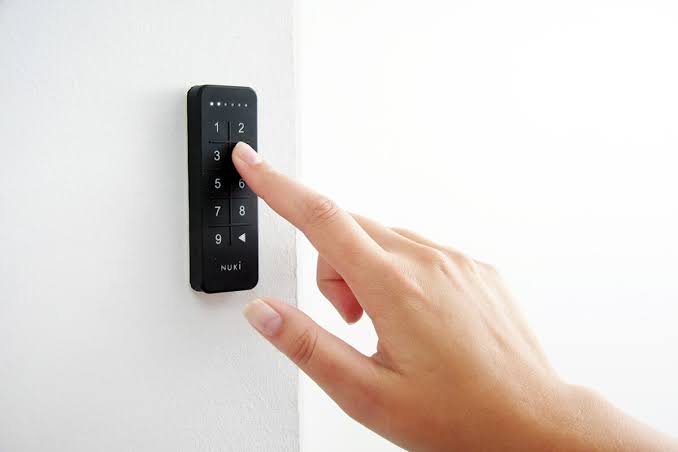
Nuki smart lock
Your key is your personal access code.
Your code works only for your stay. Keep it private and do not share it with anyone.
From Outside
-
01
Entering: Enter your access code
Enter the 6-digit code shared with you before arrival. Wait for the door to open ajar before trying to enter.
-
02
Leaving: Lock when leaving
Before locking, make sure the door is closed completely. Press the arrow button on the keypad, wait for the lock to finish locking, and check the door before leaving.
Notice: You do not have to lock the main door every time because it cannot be opened from outside without a key or access code.
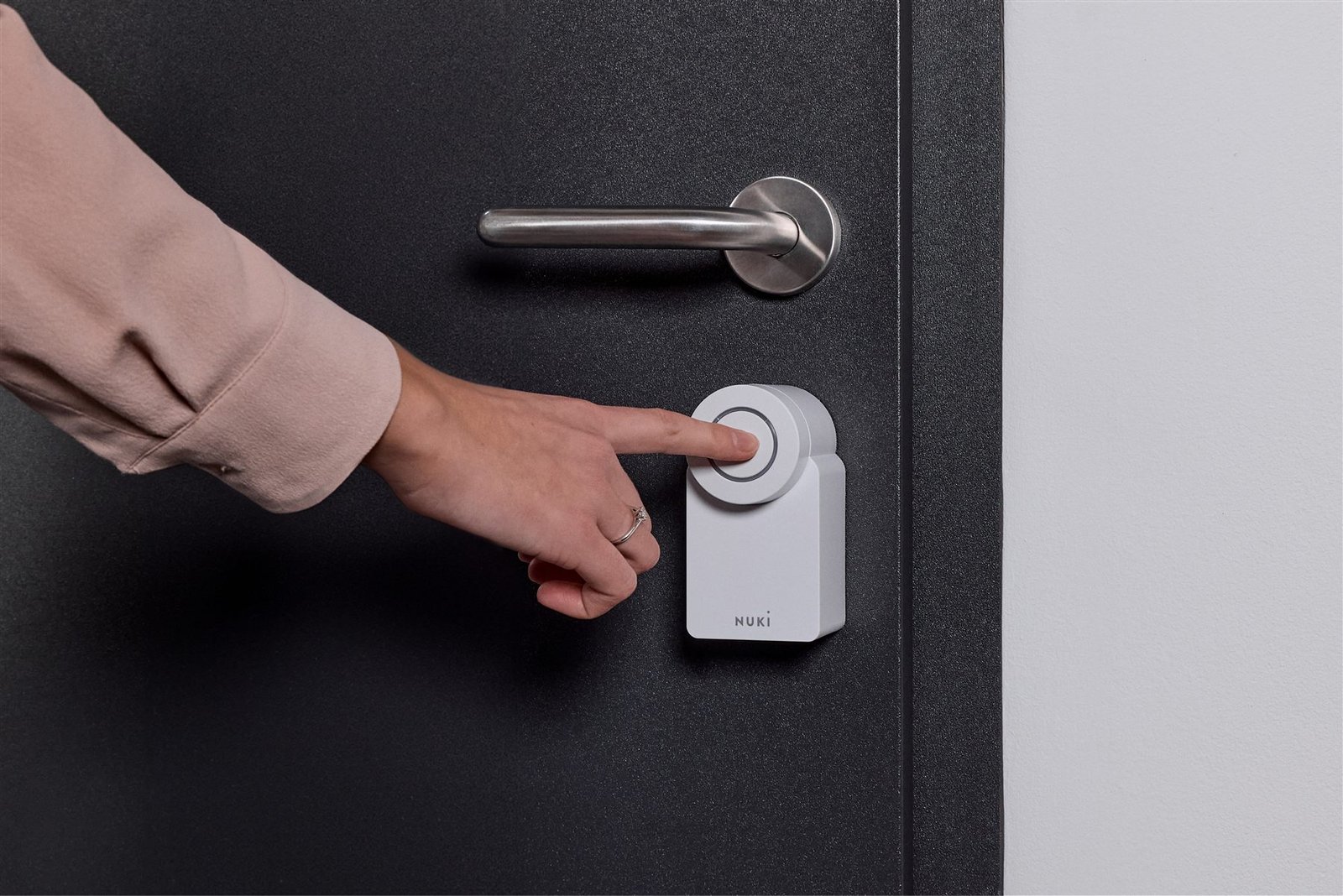
Nuki smart lock
Lock or unlock from inside.
If the large button does not lock or unlock the door, rotate the outer ring manually.
From Inside
-
03
Lock from inside
Close the door completely and press the large button on the Nuki lock once. Wait for the lock to finish locking.
-
04
Unlock from inside
Press the large button on the Nuki lock once and wait for it to finish unlocking before using the door handle.